A desk that looks good and keeps your homework in view. Free tweaks first.
Oct 23, 2026 • Jake @ CaLab, maker of the Glass apps below
On macOS 26, open System Settings → Appearance and set Icon & widget style to Clear. Your Dock turns to glass and picks up your wallpaper's colors.
Full steps: how to get the Liquid Glass look on your Mac.
Right-click your desktop and choose Edit Widgets. Drag Calendar and Reminders out next to your files. Your due dates sit on your desktop, not in an app you forget to open.
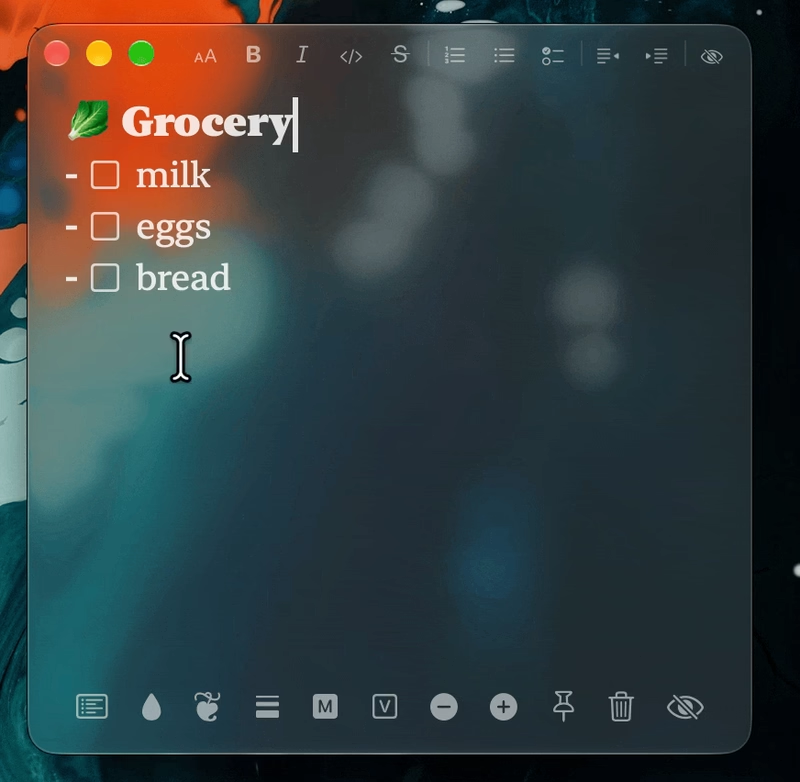
A note for today's to-do list, one for class links, one for the essay outline. Each floats on your desktop and blurs what's behind it, so it looks good on any wallpaper.
Read more · Download Glassnote
7-day free trial. Then $6.50 once, for all your Macs.
Study for 25 minutes, rest for 5. Or pick your own lengths. The timer sits in its own glass window, not in a browser tab next to YouTube.
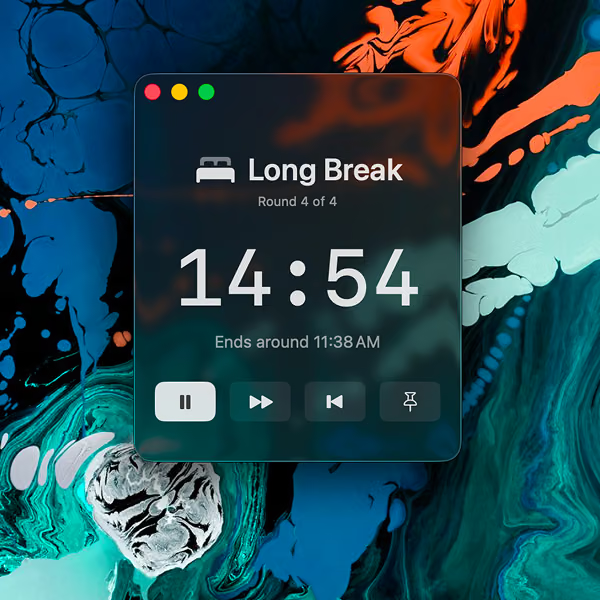
Space starts and pauses. Pick Glass, Dark or Light.
Type 45m and press Return. The timer stays on screen while you work, and your Mac pings
you when it ends. Run a few at once, each with its own name.
The menu bar clock is tiny. Glassclock is a clock you drag anywhere and size up to full screen. Put it on a second screen during a study session.
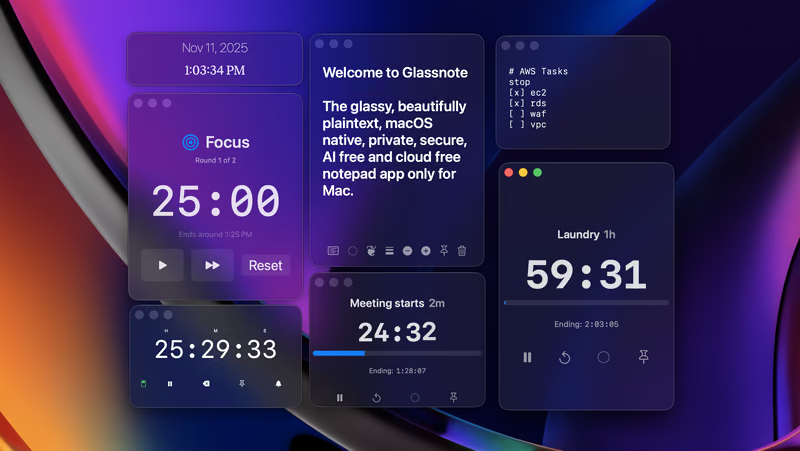
Glassbundle is Glassnote, Glasspomodoro, Glasstimer, Glassclock and Glasswatch in one download. It costs 40% less than buying each one.
 Calcium Lab