Calcium Lab
Written by Jake @ CaLab • Updated September 2026
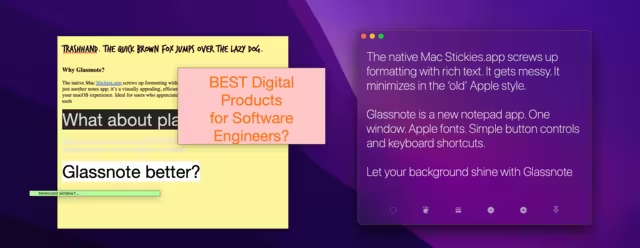
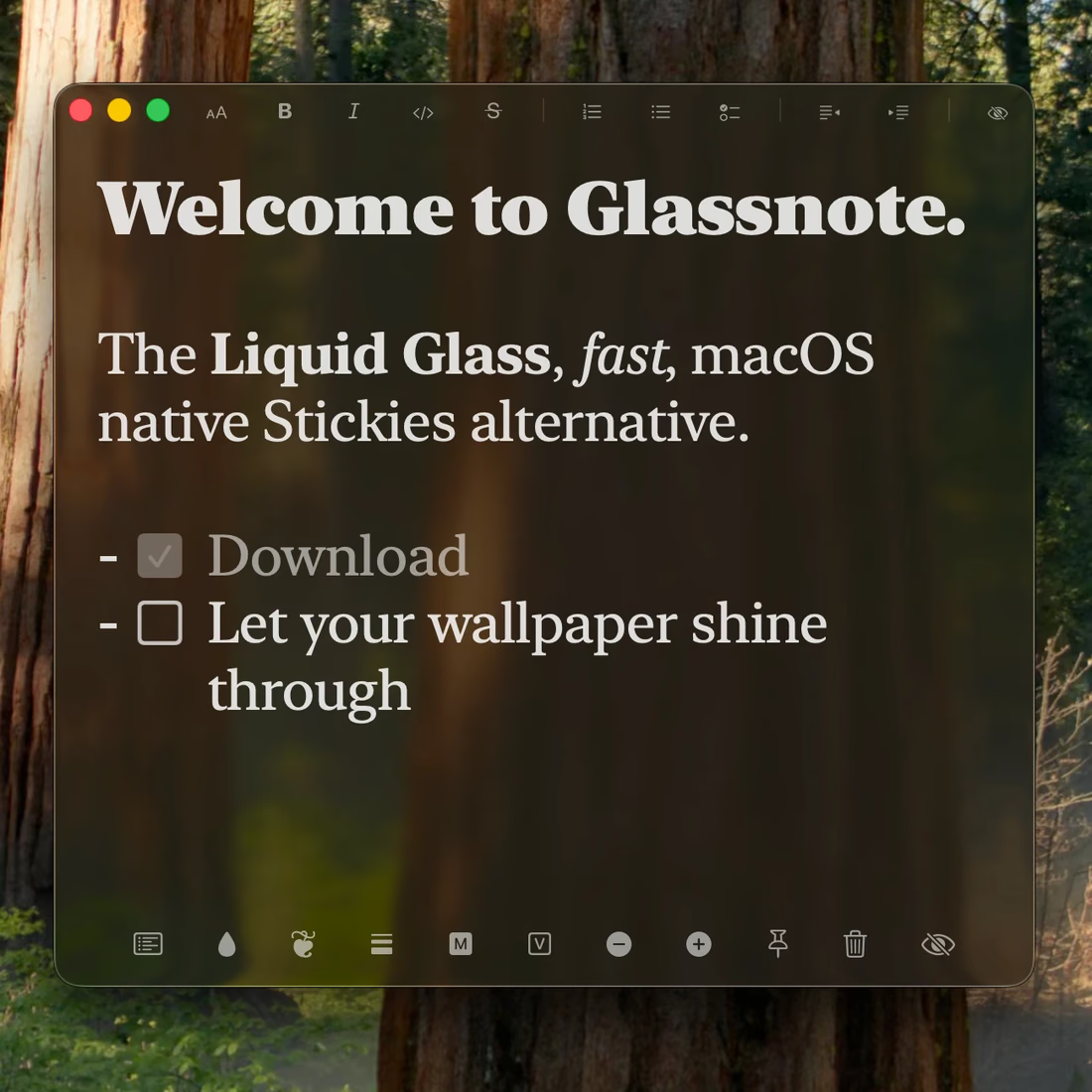
If you have ever been frustrated by Apple Stickies: how outdated it looks, how it screws up your formatting, or how it takes too many clicks to use, you're not alone. Glassnote is a modern reimagining that brings refreshing minimalism and simplicity. It features Apple typefaces, a striking glassy look, productivity-first keyboard shortcuts, and notes that stay in plain text.
At a glance
- Minimal, Mac‑native look Glass, Dark, and Light backgrounds per note, plus Tinted Glass built on Liquid Glass for macOS 26.
- Clean notes, plain text Bold looks bold, checkboxes click, and links open. The symbols hide as you type, and the file stays plain text.
- Syncs across your Macs Notes move between Macs over your own iCloud Drive. No CaLab account, no server of mine in the middle.
- Never lose a note Seven days of automatic backups, and a Restore button that brings back any note from that week.
- Productivity first Almost every function has a keyboard shortcut, and there's a real vim mode for the people who want it.
Why switch from Stickies?
Glassnote grew out of the pain of managing lots of old looking sticky notes while trying to keep an attractive modern desktop. It’s the Apple Stickies replacement I wanted: elegant, configurable, and fun.
After launching on Reddit, Glassnote reached 26,000+ views and received enthusiastic feedback from Mac users who said it is a refreshing, modern take on sticky notes. Most of what shipped since then came directly out of that feedback, including the sync, Markdown, and vim mode in Glassnote 3 and the clickable checkboxes and restore in Glassnote 4.
Glassnote vs. Apple Stickies
That is not a cheap shot, it is the release history. Stickies has not had a major functional update in over twenty years, and it shows on a modern display. Here is where the two differ.
| Feature | Glassnote | Stickies.app |
|---|---|---|
| Transparency & aesthetics | ✅ | ❌ |
| Modern, Mac‑native design | ✅ | ❌ |
| Smooth animations & UX | ✅ | ❌ |
| Easy customization | ✅ | ⚠️ Limited |
| Clickable checklists | ✅ | ❌ |
| Search across all notes | ✅ | ❌ |
| Syncs between Macs | ✅ via iCloud Drive | ❌ |
| Restore from backups | ✅ last 7 days | ❌ |
| Keyboard shortcuts | ✅ | ❌ |
| Markdown | ✅ optional | ❌ |
| Vim mode | ✅ optional | ❌ |
Weighing Apple Notes too? See the best sticky notes app for Mac, compared side by side. More in the CaLab blog.
FAQ
Is Glassnote a Mac Stickies alternative?
Yes. Glassnote is a modern, lightweight
alternative to Stickies.app with better visuals and a calmer writing experience.
Do my notes sync between my Macs?
Yes, over your own iCloud Drive. There's no CaLab
account and no server of mine involved. A local copy is always kept on each Mac too.
Is there an iPhone app?
Not yet, but it's close. The iPhone and iPad app shares the same notes over your own iCloud.
Will it replace Apple Stickies for me?
If you want beautiful sticky notes that are quick
to open and easy to manage, Glassnote is designed to be a drop‑in replacement.
Ready to upgrade your notes?
If you’re looking for a Mac Stickies alternative that’s simple, fast, and thoughtfully designed, give Glassnote a try. One-time purchase, use it on all your Macs, with a 7-day free trial and no subscription.