 Glassnote
Who this is for
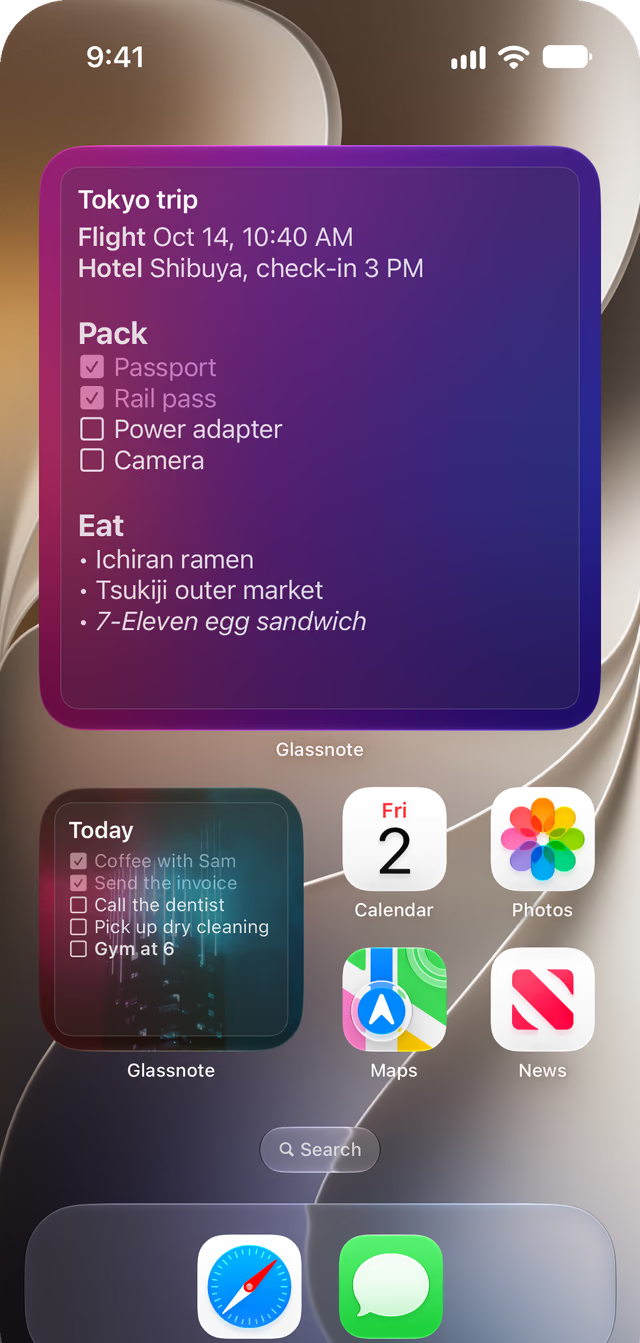
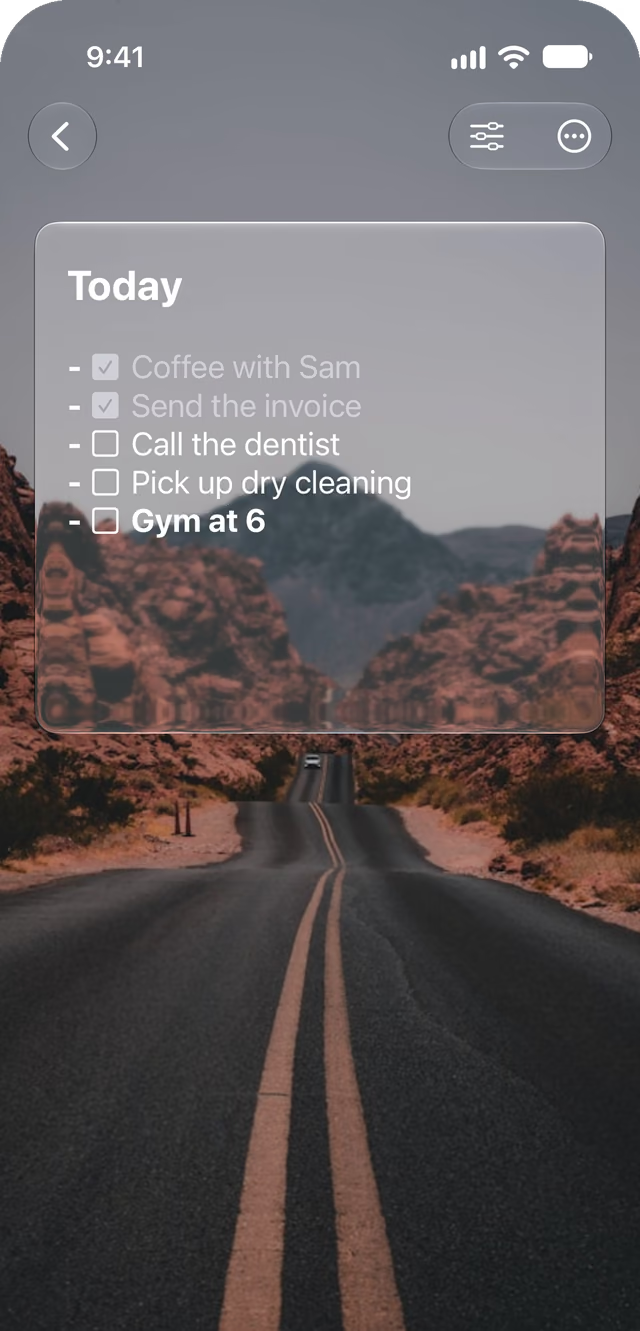
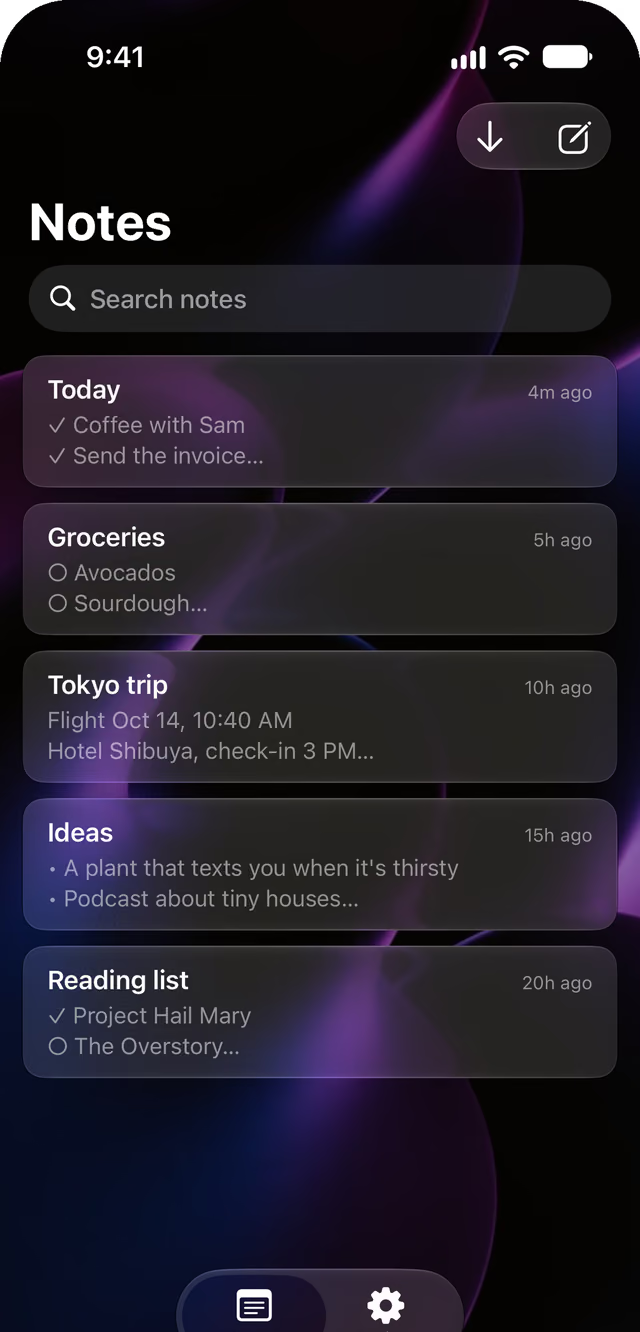
For people who want a note they can read at a glance, Glassnote puts the whole note on your Home Screen, in glass.
- This is you Any one of these is enough. You want a list you can read without opening an app: groceries, today's to-dos, a trip plan. Or you picked your wallpaper on purpose, and a grey widget ruins it. Or you already use Glassnote on your Mac.
- This is not you You need reminders with due dates and alerts. Or you share lists with other people. Or you want folders, tags and databases. Glassnote is a sticky note.
Tap to check it off
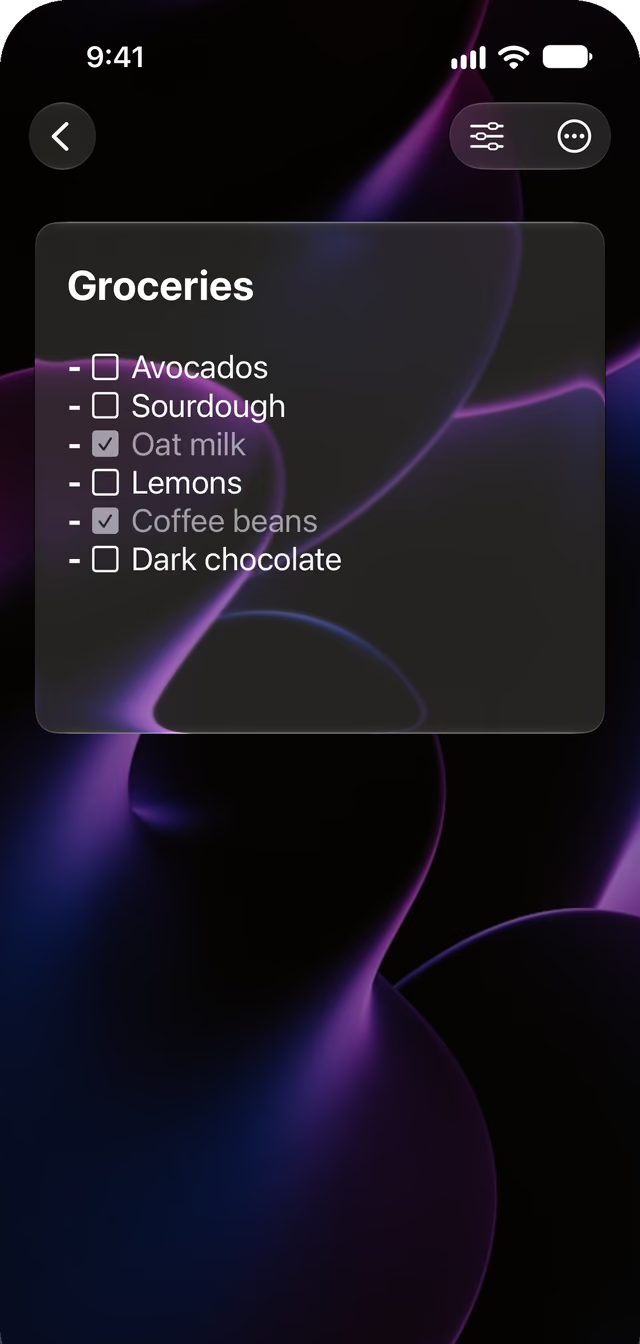
Type - [ ] and you have a checklist. Tap the box when it is done.
Checked items can dim, get a line through them, or both. You pick.
Markdown, minus the mess
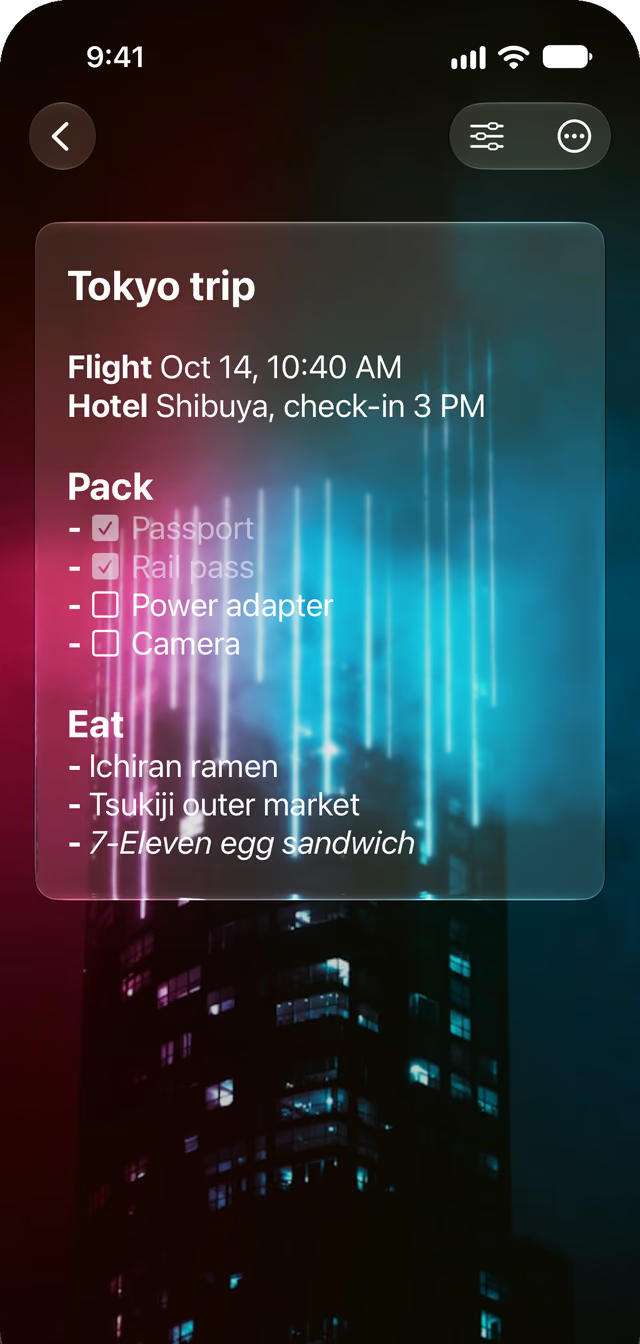
Headings look like headings. Bold looks bold. The symbols hide until you need them.
Rather write plain text? Turn Markdown off in Settings.
Syncs with your Mac
Your notes live in your own iCloud. There is no Glassnote account and no Glassnote server.
Use Glassnote for Mac and the same notes show up on your Mac, iPhone and iPad.
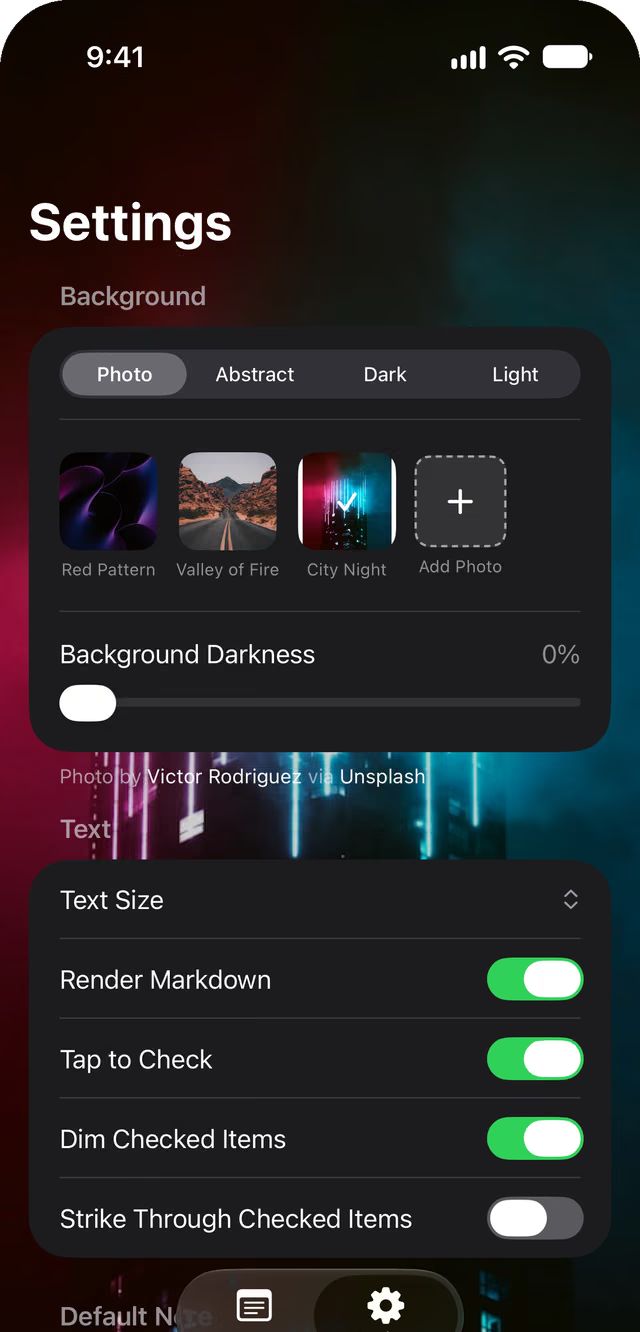
Make it yours
Pick a photo, an abstract, dark or light. Or add your own photo.
Slide Background Darkness up to keep your text easy to read.
Lost a note? Get it back.
Glassnote keeps backups on each device, apart from iCloud. Go to Settings and tap Restore from Backup.
$9 once. No subscription.
Try it free for 7 days. Then pay once and keep it on your iPhone and iPad, updates included.
If your trial ends, your notes stay. You can still open and read every one.
FAQ
Is it a subscription?
No. $9 once, with a 7-day free trial. It covers iPhone and iPad on the same Apple ID.
Is the Mac app included?
No. Glassnote for Mac is a separate purchase. Your notes still sync between them.
What widget sizes are there?
Small, medium and large. Extra large on iPad. Long-press a widget and tap Edit Widget to pick the note, the background and the contrast.
Where are my notes stored?
In your own iCloud. There is no Glassnote account.
What do I need?
An iPhone or iPad on iOS 17.6 or later.
Something else?
The support page has more answers.
Your notes, in glass.
$9 once. 7-day free trial. iPhone and iPad.
Coming soon to the App Store